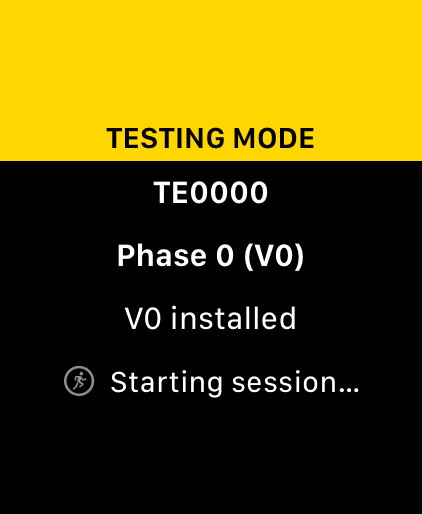
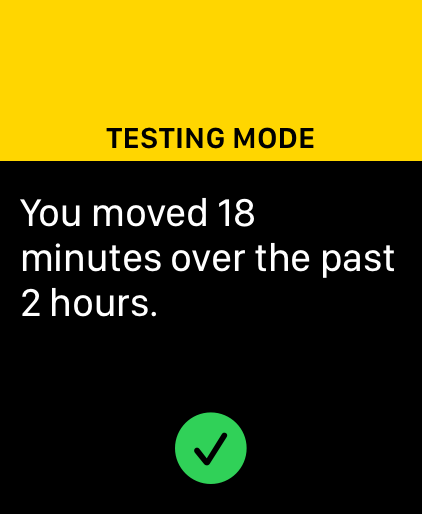
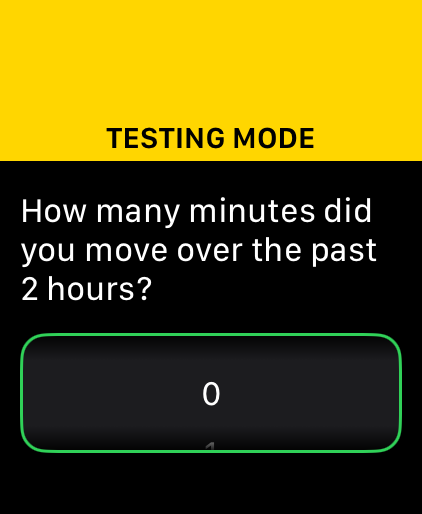
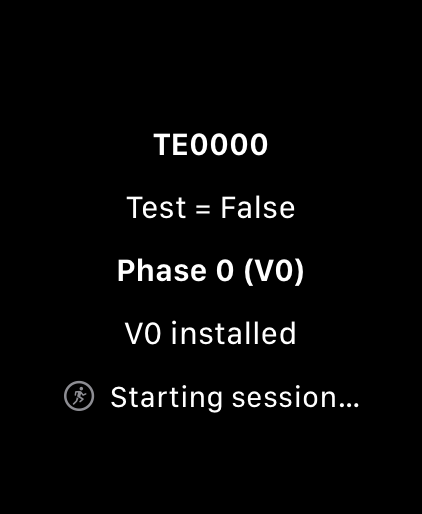
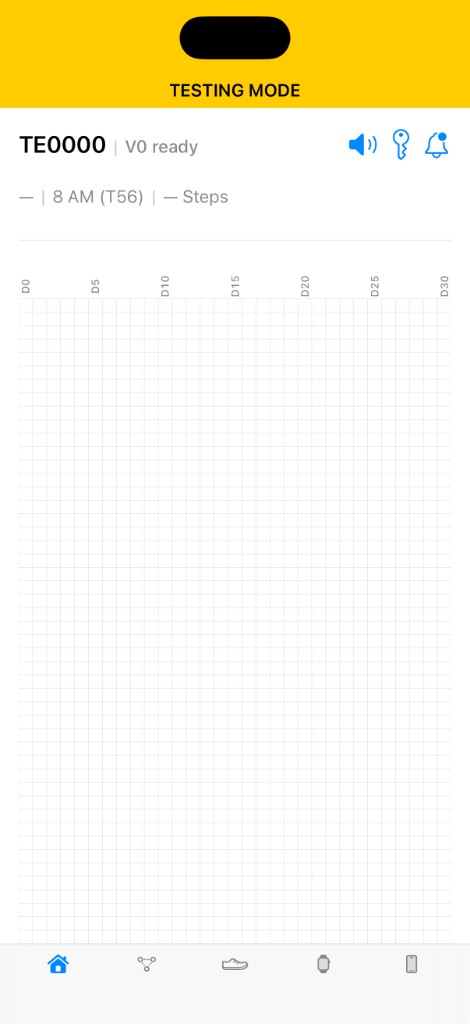
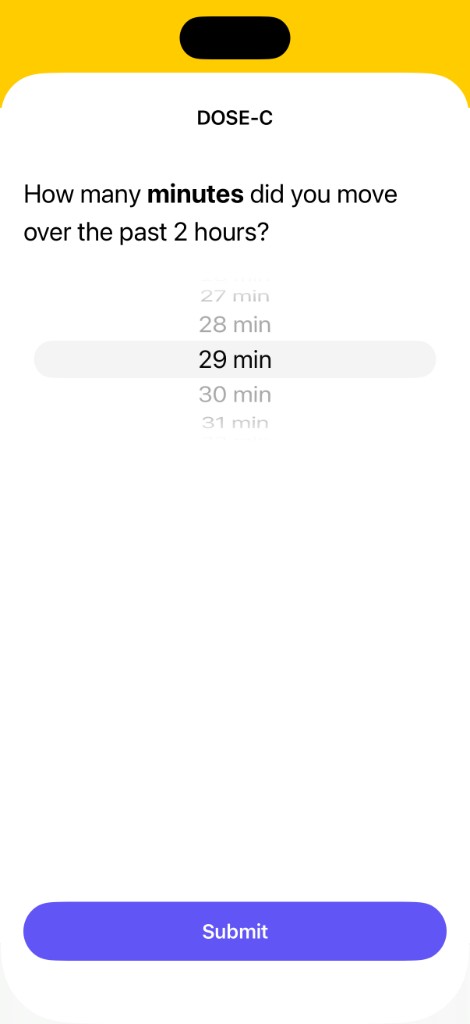
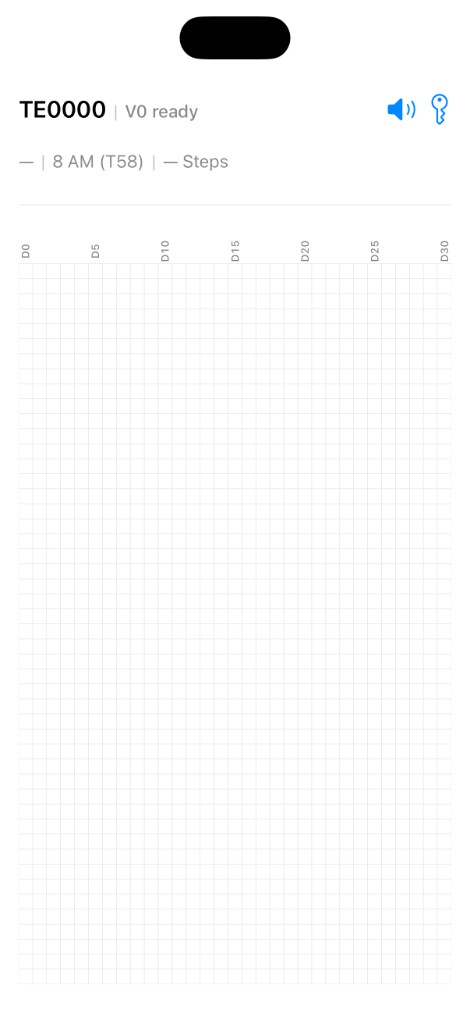
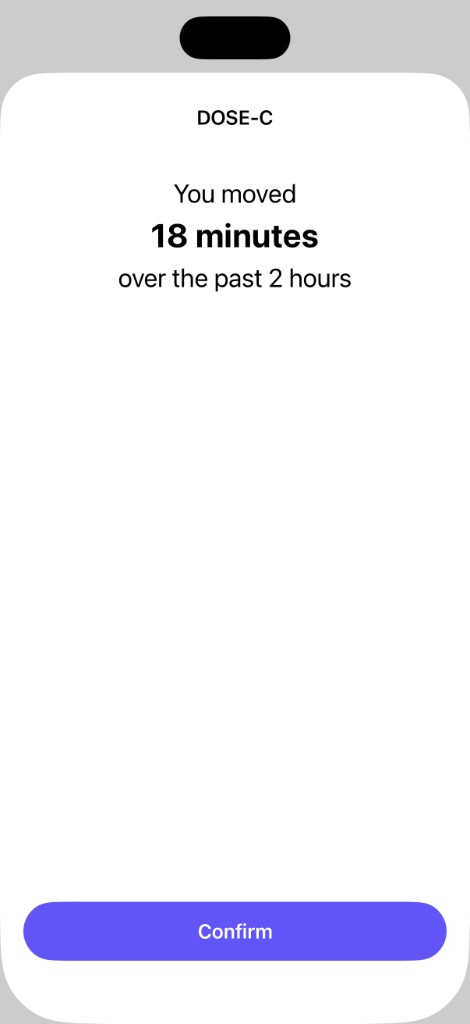
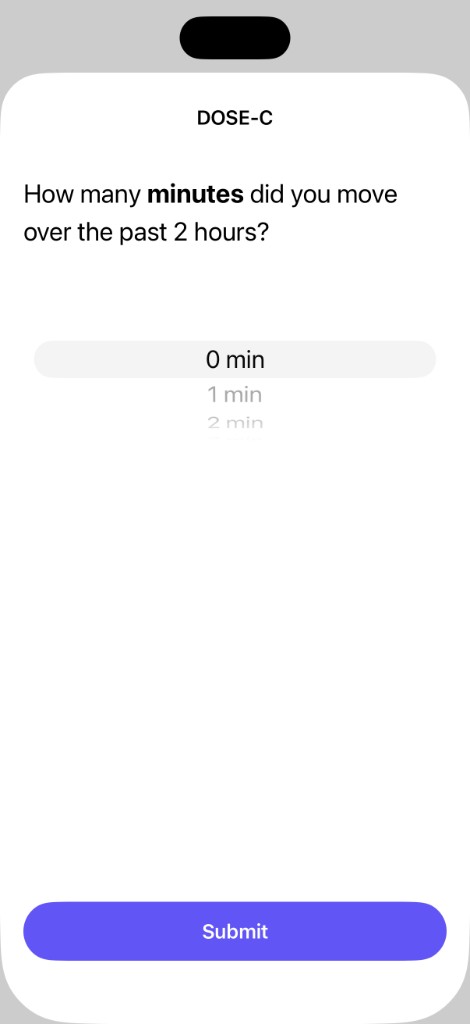
Shows usernames that start with DC. Testers are hidden: usernames that start with TE, and DC0000.
Shows participants whose highest-priority action meets an attention criterion: missing registration profile, inactivity exceeding 24 hours, no activity yet, a due model upload, a download error, or no responses to prompts over 3 days.
Participants are sorted by action priority, then alphabetically. Select a column heading to sort by that column. Select it again to reverse the order.
- Highest priority: Missing registration profile, inactivity of 48 hours or more, no activity yet, or a due V1 or V2 model upload.
- High priority: Inactivity of at least 24 hours but less than 48 hours, a download error, or no responses to prompts over 3 days.
- Moderate priority: Low response rate, active test mode, missing or stale step data, or a model ready for an upcoming phase within 7 days.
- Lower priority: Still on V0 after the V1 date, or no watch device reported.
- No flagged action: Remaining participants, sorted alphabetically.
Select a username to view the highest-priority action, any other applicable actions, and the next model milestone.
Calendar days since the V0 date in the latest Information record. The V0 date is day 0. Future V0 dates display as 0. Displays — if the V0 date is unavailable.
Highest phase recorded in an Intervention record: V0, V1, or V2. Participants without an Intervention record default to V0.
Most recent timestamp among intervention events, submitted responses (time3), the latest raw Steps document, and ticker logs. Displays — if none exist. Timestamps reflect the device-local times stored by the study app.
Number of submitted responses today, followed by counts of non-test type 1 and type 2 prompts issued today. Responses to prompts marked test (1) are omitted.
Average of each closed day's response rate. A day is that day's submitted responses divided by that day's expected prompts, capped at 100% when submissions exceed the expected prompts. Duplicate submissions to the same message can make the count larger than the number of prompts; the percentage stays at or below 100%. Responses to prompts marked test are omitted. A full day expects four prompts. On Day 0, only prompt windows that begin after registration are counted. A day joins the average after 8 PM. Counts below the percentage show total submitted responses followed by total expected prompts. Displays — when no day has expected prompts.
Each line represents one participant. A day's percentage is the total submitted responses to date divided by expected prompts. A day counts at most as many submissions as that day's expected prompts, so duplicate responses to the same message do not push the line above 100%. Responses to prompts marked test are omitted. Expected prompts follow standard schedule rules: 4 per full day, and on Day 0 only prompts scheduled after registration. Days are updated daily after 8 PM, and days with 0 expected prompts are omitted.
Chart Features
- 100% Cap: A day never contributes more submissions than its expected prompts. Hover a point to see the cumulative percentage and prompt counts.
- 75% Target: Marked by the horizontal dashed reference line.
- Group average: The bold line is the mean cumulative response rate at each study day, including participants at 0%. The shaded band is ±1 standard deviation. The Average compliance card shows the mean of each person’s latest rate.
- 0% Line Clean-up: Participants with 0% compliance are listed separately alongside the chart. Click a name in that list to draw the line again; the name stays in the list.
- Activity Indicators: A filled endpoint indicates activity in the last 48 hours; an open endpoint indicates inactivity.
V0 date and time from the latest Information record, displayed to the minute. This marks the start of the study. Day 0 is the calendar date of V0.
Yes if the registration Information record has testing set to 1. No if the value is 0 or missing.
Installed and registered if the participant has a user record in Firestore.
Paired if the Information record contains watchModel, watchModelId, and watchOS. Otherwise, Not paired. Not paired is highlighted in red.
Connected if a raw Steps document exists. Minute documents can be written with a count of 0 before HealthKit syncs, and those do not count. Otherwise, Not connected. Not connected is highlighted in red.
Created if the participant’s Firebase Storage folder contains at least one file or subfolder. Otherwise, Not created. Not created is highlighted in red.
Displays the earliest four V0 prompts in scheduled order. Prompts marked test (1) are omitted. These remain the same regardless of when this page is viewed; later prompts do not replace them.
Each entry shows the scheduled date and time and prompt type (BF or SM). BF is Behavioral Feedback. SM is Self-Monitoring. Not scheduled is highlighted in red.
A Response matches a prompt when its time1 timestamp has the same date, hour, and minute as the scheduled time; seconds are ignored. time2 indicates when the prompt was opened, and time3 indicates when the response was submitted. The device used to submit the response (Phone or Watch) is also shown. Only available values are displayed.
A prompt is highlighted in red if it has not been opened within two hours of its scheduled time.
Most urgent action identified for the participant. Select the username to view details and any other applicable actions.
Action definitions
- Upload V1 model. The participant is still on V0, the V1 date is within 48 hours or has passed, and the V1 model file is missing from Storage.
- Upload V2 model. The participant is on V1, the V2 date is within 48 hours or has passed, and the V2 model file is missing from Storage.
- No Information doc. No Information record exists for the participant; the registration profile is missing.
- Silent > 48h. The participant is registered, and the most recent intervention, submitted response, raw Steps document, or ticker log is at least 48 hours old.
- No activity yet. The participant is registered, but no intervention, submitted response, raw Steps document, or ticker log exists.
- Download errors in ticker. The latest ticker logs include “Error: Model not found” or “Error: No network connection,” indicating a failed V1 or V2 model download.
- Silent > 24h. The participant is registered, and the most recent activity is at least 24 hours old but less than 48 hours old.
- No responses (3 days). At least 3 non-test type 1 or type 2 prompts were issued in the past 3 days, with no submitted responses during that period.
- Low response rate. Submitted responses are under 30% of the expected prompts in the Response rate column, across at least 10 expected prompts.
- V1 soon (model ready). The participant is still on V0, the V1 model file is in Storage, and the V1 date is within the next 7 days.
- V2 soon (model ready). The participant is on V1, the V2 model file is in Storage, and the V2 date is within the next 7 days.
- No raw steps. An Intervention record exists, but no raw Steps document exists. Minute documents can exist before a sync.
- Steps stale. An Intervention record exists, and the latest raw Steps sample ended more than 48 hours ago. The time is that sample’s
endTS. Minute documents are ignored.
- Test mode active. All 20 most recent Intervention records are marked as test.
- Still on V0 after V1 date. The V1 date has passed, but the participant remains in phase V0.
- Watch device unknown. Both
watchOS and watchModelId are empty in the Information record. A watch model name alone does not resolve this action.
- —. No action criteria are met.
 Apple App Store Connect
 Firebase Administration